# Name Box
## Content
SpreadJS provides an Excel-like name box component to display selected ranges, items, and named ranges. This feature helps to add a name box component along with the spread control in your project.
The NameBox generally displays the address of the selected cell. The NameBox consists of a selector and a dropdown.
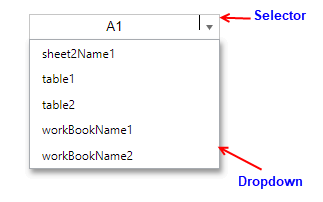
You can display selection in the NameBox selector as shown below:
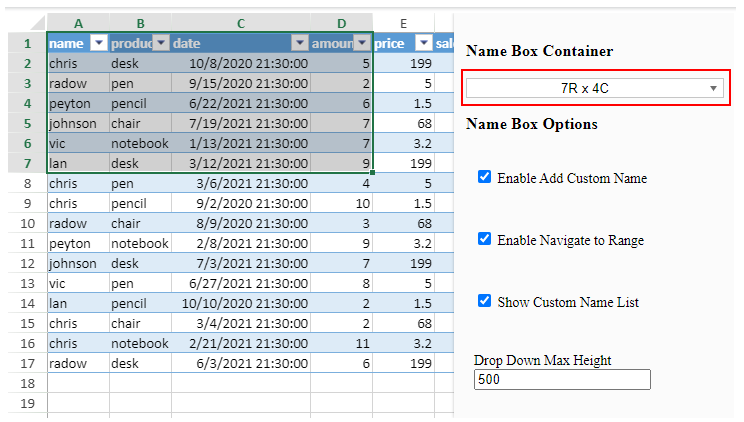
* Display changing selection when the selection is changing.
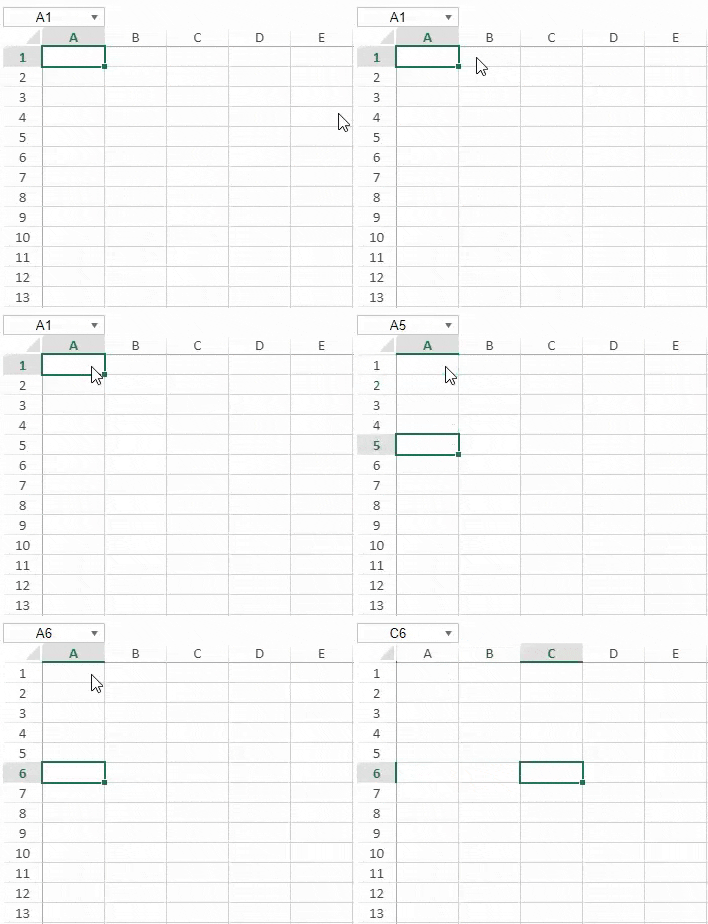
* Display the active cell when the selection is set down.
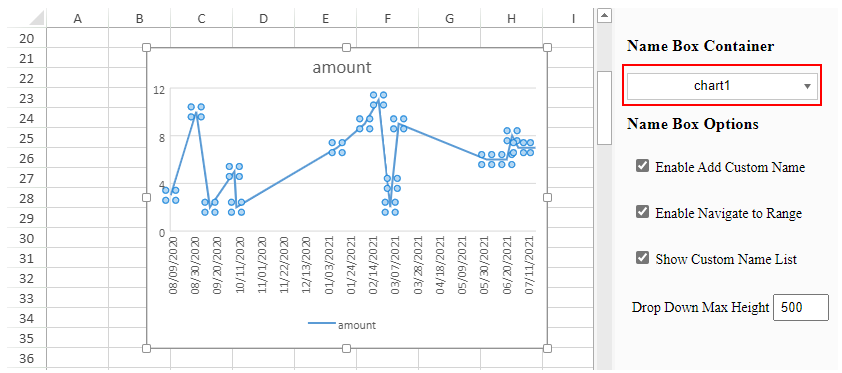
* Display the drawing name when the drawing is selected.
* Display the name when the selection is equal to the named range or table name.
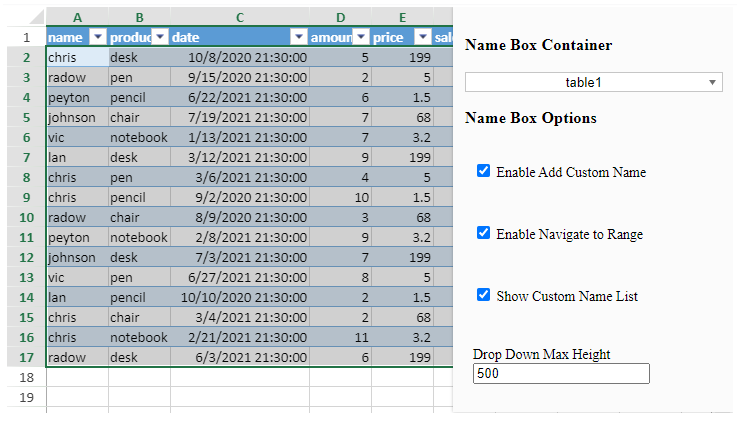
The dropdown of NameBox displays the following custom name list:
* Workbook custom names and its expression type which is equal to GC.Spread.CalcEngine.ExpressionType.reference.
* Active worksheet custom names and its expression type which is equal to GC.Spread.CalcEngine.ExpressionType.reference.
* All table names of all worksheets.
## Configure NameBox
To create a name box component, follow these steps:
1. Add the `gc.spread.sheets.all.x.x.x.min.js` reference in the HTML.
```JavaScript
```
2. Add a host DIV element.
```JavaScript
```
3. Bind the [NameBox](https://grapecity-document-site.azurewebsites.net/spreadjs/api/classes/GC.Spread.Sheets.NameBox.NameBox) element to the Spread instance.
```JavaScript
var sheet = spread.getActiveSheet();
var nameBox = new GC.Spread.Sheets.NameBox.NameBox(document.getElementById('NameBox'), spread);
```
4. You can further add NameBox options, see the following **Set NameBox Options** section.
## Set NameBox Options
You can add various options to control the behavior of the NameBox such as setting drop-down list height, adding custom names, navigating to ranges, and showing custom names using the **[INameBoxOptions](https://grapecity-document-site.azurewebsites.net/spreadjs/api/interfaces/GC.Spread.Sheets.NameBox.INameBoxOptions)** interface.
| Option Name | Value | Description |
| ----------- | ----- | ----------- |
| dropDownMaxHeight | Number | Indicates the maximum height of the drop-down list. The default value is 500px. |
| enableAddCustomName | Boolean | Indicates whether to add a custom name when inputting a name, which does not exist in the selector. The default value is true. |
| enableNavigateToRange | Boolean | Indicates whether to navigate to the named range or drawing item when inputting its name or clicking a custom list item. The default value is true. |
| showCustomNameList | Boolean | Indicates whether to show the custom name list dropdown indicator. |
The following code shows how to set the NameBox options:
```JavaScript
var nameBox = new GC.Spread.Sheets.NameBox.NameBox(document.getElementById('NameBox'), spread, {
showCustomNameList: false,
dropDownMaxHeight: 200,
enableAddCustomName: false,
enableNavigateToRange: false
});
```
> **Note**: You can apply different Excel themes to NameBox. For more information on applying themes to SpreadJS components, see [Themes](/spreadjs/docs/v16/features/styletheme).