# Theme
## Content
You can create a style and assign the style to a cell, row, column, or sheet. You can also set themes for the SpreadJS control. You can set a current theme, an Excel theme, a bootstrap theme, or create a custom jQuery theme using the ThemeRoller.
## Default SpreadJS Theme
You can use the default SpreadJS theme. This requires that a style link is added to the head section of the aspx page. For example:
``
## Excel Theme
You can use an Excel theme or style in SpreadJS. This requires that a style link is added to the head section of the aspx page. For example:
``
The following themes are available:
| **Name** | **CSS File** | Snapshots |
| ---- | -------- | --------- |
| Excel 2013 White | gc.spread.sheets.excel2013white.x.x.x.css | 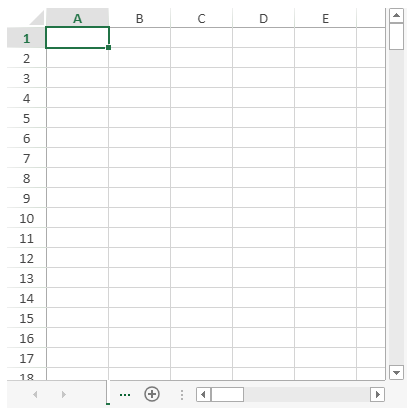 |
| Excel 2013 Light Gray | gc.spread.sheets.excel2013lightGray.x.x.x.css | 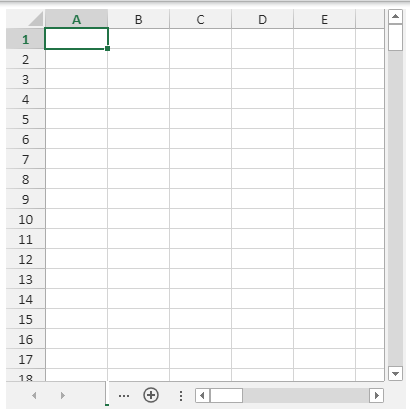 |
| Excel 2013 Dark Gray | gc.spread.sheets.excel2013darkGray.x.x.x.css | 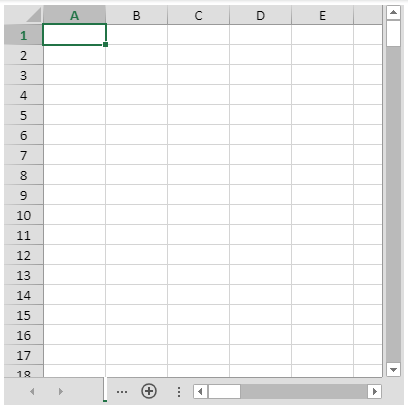 |
| Excel 2016 Colorful | gc.spread.sheets.excel2016colorful.x.x.x.css | 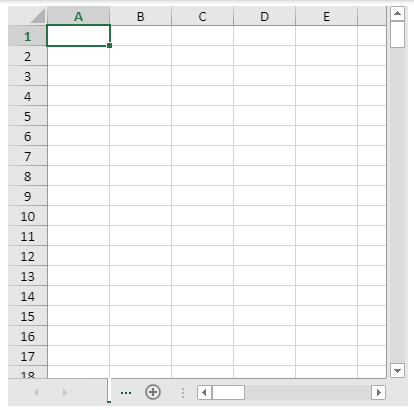 |
| Excel 2016 Dark Gray | gc.spread.sheets.excel2016darkGray.x.x.x.css | 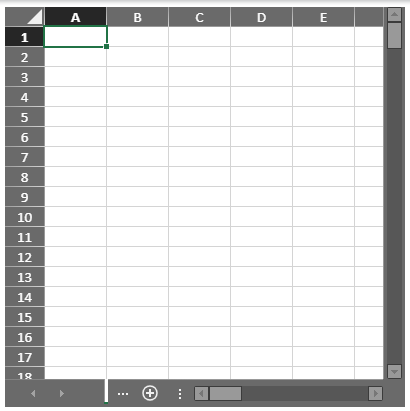 |
| Excel 2016 Black | gc.spread.sheets.excel2016black.x.x.x.css | 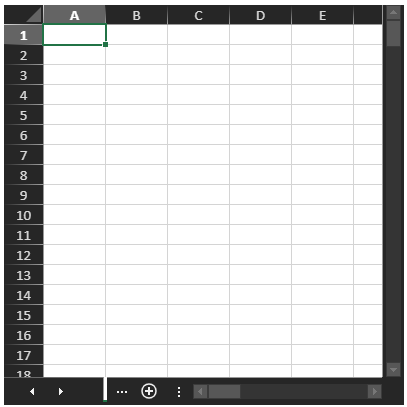 |
You can also combine the Excel theme with other themes such as the bootstrap theme. For example:
``
``
``
Use the [refresh](/spreadjs/api/v17/classes/GC.Spread.Sheets.Workbook#refresh) method if you change a theme.
## Bootstrap Theme
You can use a bootstrap theme with SpreadJS. This requires that a style link is added to the head section of the aspx page after the SpreadJS style link. For example, if you have bootstrap.css and bootstrap-theme.css in your project in the CSS folder, you can add the following style links.
``
``
``
To configure themes or create a custom theme using ThemeRoller, refer to the following topics.
* [Configure Themes](/spreadjs/docs/v17/features/styletheme/themes)
* [Custom Themes from ThemeRoller](/spreadjs/docs/v17/features/styletheme/themeroller)