


- SpreadJS 개요
- 시작하기
- JavaScript 프레임워크
- 모범 사례
- 기능
- SpreadJS 템플릿 디자이너
- SpreadJS 디자이너 VSCode 플러그인
- 튜토리얼
- SpreadJS 디자이너 컴포넌트
- SpreadJS 동시 작업 서버
- 터치 지원
- 수식 참조
- 가져오기 및 내보내기 참조
- 이벤트
- API 문서
- 릴리스 노트
상위 10개 규칙
상위 10 규칙은 범위에서 가장 높거나 낮은 값 중 지정된 개수 또는 백분율을 강조 표시합니다. Top10ConditionType 열거형을 사용하여 범위의 상위 또는 하위 값 중 어느 쪽을 일치시킬지 지정합니다.
기본적으로 rank 매개변수는 강조 표시할 셀의 정확한 개수를 지정합니다. 순위를 대신 백분율로 처리하려면 isPercent를 true로 설정합니다.
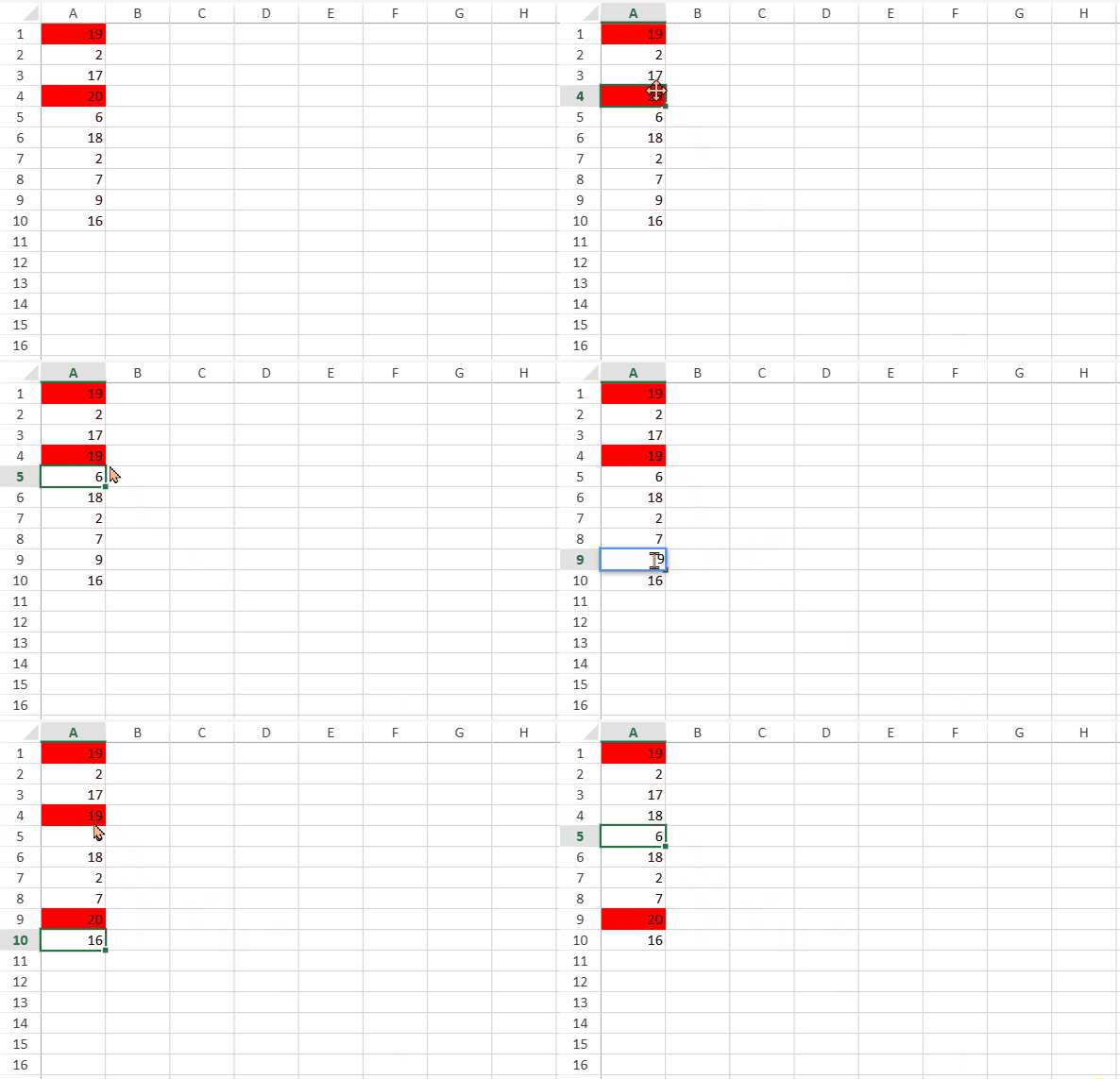
백분율 모드
isPercent가 true인 경우, 일치 개수는 전체 셀 수가 아니라 범위 내 비어 있지 않은 숫자 셀을 기준으로 계산됩니다.
범위에 비어 있지 않은 숫자 값이 없으면 셀이 강조 표시되지 않습니다.
비어 있지 않은 숫자 값이 하나 이상 있으면 항상 최소 하나의 셀이 강조 표시됩니다.
예제
기본 설정
// data
for (var row = 0; row < 10; row++) {
    var randomValue = Math.floor(Math.random() * 20) + 1;
    sheet.setValue(row, 0, randomValue);
}
var ranges = [new GC.Spread.Sheets.Range(0, 0, 10, 1)];
// style
var style = new GC.Spread.Sheets.Style();
style.backColor = "red";
개수 기반 규칙
다음 코드 샘플은 범위에서 상위 2개의 값을 강조 표시합니다.
activeSheet.conditionalFormats.addTop10Rule(GC.Spread.Sheets.ConditionalFormatting.Top10ConditionType.top, 2, style, ranges);백분율 기반 규칙
SpreadJS는 백분율 기반 상위/하위 규칙을 생성하는 세 가지 동일한 방법을 제공합니다.
NormalConditionRule 생성자 사용:
var topRule = new GC.Spread.Sheets.ConditionalFormatting.NormalConditionRule(
    GC.Spread.Sheets.ConditionalFormatting.RuleType.top10Rule,
    ranges,style, undefined, undefined, undefined, undefined, undefined,
    GC.Spread.Sheets.ConditionalFormatting.Top10ConditionType.top, 20, true /* isPercent */
);
activeSheet.conditionalFormats.addRule(topRule);
NormalConditionRule setter 사용:
var topRule = new GC.Spread.Sheets.ConditionalFormatting.NormalConditionRule();
topRule.ruleType(GC.Spread.Sheets.ConditionalFormatting.RuleType.top10Rule);
topRule.type(GC.Spread.Sheets.ConditionalFormatting.Top10ConditionType.top);
topRule.rank(20);
topRule.isPercent(true);
topRule.style(style);
topRule.ranges(ranges);
topRule.stopIfTrue(true);
activeSheet.conditionalFormats.addRule(topRule);
addTop10Rule 사용:
activeSheet.conditionalFormats.addTop10Rule(GC.Spread.Sheets.ConditionalFormatting.Top10ConditionType.top, 2, style, ranges, true /* isPercent */);